If you’re running a production database on Supabase, you may eventually face an important question:
Are Supabase daily backups enough, or should you enable Point-in-Time Recovery (PITR)?
Both options help you recover from database problems, but they solve slightly different recovery needs.
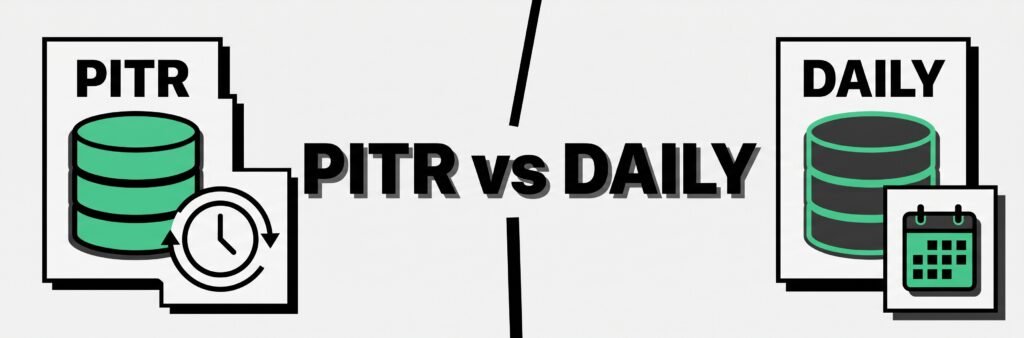
Daily backups give you periodic recovery points. PITR gives you much more precise control over when you restore your database.
Here’s the quick comparison.
| Feature | Daily Backups | Point-in-Time Recovery |
|---|---|---|
| Recovery granularity | Daily snapshot | Specific point in time |
| Available on | Pro, Team, Enterprise | Paid plans as add-on |
| Standard retention | 7–30 days depending on plan | 7, 14, or 28 days |
| Additional cost | Included with paid plan | Yes |
| Best for | General recovery | Precise production recovery |
| Potential data loss | Up to roughly one day | Much smaller recovery window |
| Independent off-site copy | No | No |
Supabase automatically provides daily backups for Pro, Team, and Enterprise projects. PITR is an optional add-on designed for applications that need finer recovery granularity.
What Are Supabase Daily Backups?
Supabase automatically backs up databases on paid plans once per day.
Current retention periods are:
- Pro: 7 days
- Team: 14 days
- Enterprise: up to 30 days
These backups can be accessed from Database → Backups in the Supabase Dashboard.
Suppose your database is backed up every night:
Monday     Backup
Tuesday    Backup
Wednesday  Backup
Thursday   Backup
If something goes wrong Thursday afternoon, your most recent usable daily backup may be from earlier that day or the previous backup cycle.
That could mean losing database changes made after the selected backup.
For many smaller applications, this may be acceptable.
For a busy production application, losing several hours of transactions could be much more serious.
What Is Supabase Point-in-Time Recovery?
Point-in-Time Recovery allows you to restore your database to a much more precise moment within an available recovery window.
Instead of choosing only from daily snapshots, you could potentially restore the database to a point immediately before a damaging event.
For example:
10:00 AM   Database working normally
11:27 AM   Destructive query executed
11:29 AM   Problem discovered
With daily backups, you might need to return to the latest daily recovery point.
With PITR, you could select a recovery point immediately before the destructive query, provided it falls inside your available recovery window.
Supabase describes PITR as providing recovery with up to seconds-level granularity by combining physical backups with PostgreSQL Write-Ahead Log data.
Important: PITR Replaces Daily Backups
This is an important detail that is easy to misunderstand.
When you enable PITR on a Supabase project, Supabase stops taking the normal Daily Backups for that project.
You do not run PITR and standard daily backups side-by-side.
Supabase considers PITR the finer-grained recovery mechanism, so running both native systems is unnecessary.
In simple terms:
Without PITR
Daily Backups → enabled

With PITR
Daily Backups → replaced
PITR → enabled
You can still create your own independent logical backups separately.
How Much Does Supabase PITR Cost?
Supabase currently prices PITR according to the selected recovery period:
| Recovery Period | Approximate Monthly Cost |
|---|---|
| 7 days | ~$100/month |
| 14 days | ~$200/month |
| 28 days | ~$400/month |
PITR is available as an add-on for paid projects, and Supabase also requires at least a Small compute add-on for projects using PITR.
These costs are additional to your normal project and compute charges.
For a full breakdown, read our Supabase PITR Pricing guide.
Daily Backups vs PITR: A Practical Example
Imagine you run a SaaS application with 5,000 active users.
At 3:20 PM, a deployment accidentally updates thousands of database records incorrectly.
With Daily Backups
Your most recent recovery point might have been created many hours earlier.
Restoring it could fix the database problem, but you might also lose legitimate user activity that happened afterward.
With PITR
You could choose a recovery point immediately before the deployment.
For example:
3:17 PM ✓ Database healthy
3:20 PM ✗ Bad deployment
3:24 PM   Problem detected

Restore → approximately 3:19 PM
The amount of legitimate data lost could therefore be much smaller.
That difference becomes increasingly important as database activity increases.
When Are Daily Backups Enough?
Daily backups can be perfectly reasonable for many applications.
They may be enough when:
- your database changes relatively slowly
- losing several hours of recent data would be manageable
- you’re running a small SaaS or side project
- recovery requirements are relatively simple
- PITR’s additional cost isn’t justified
For many early-stage projects, daily backups provide a practical starting point.
The important question is not whether PITR is technically better.
It is whether your business requires its additional recovery precision.
When Should You Consider PITR?
PITR becomes more attractive when losing even a few hours of database activity could be expensive.
Examples include:
- ecommerce applications
- financial systems
- high-volume SaaS products
- customer-facing production databases
- applications with frequent database transactions
- systems with stricter recovery requirements
One useful concept here is your Recovery Point Objective (RPO).
Your RPO describes how much recent data you can afford to lose during a disaster.
If losing up to a day is acceptable, daily backups may work.
If losing even one hour is unacceptable, PITR becomes much easier to justify.
PITR Is Still Not an Independent Backup
There is another important distinction.
PITR improves recovery inside Supabase, but it does not give you an independent copy stored outside the platform.
Both daily backups and PITR remain part of Supabase’s recovery infrastructure.
Supabase also states that permanently deleting a project removes its associated data and backups.
That is why some teams use a layered strategy:
Supabase Database
       │
       ├── Native Recovery
       │      └── Daily Backups or PITR
       │
       └── Independent Backup
              └── External Storage
The systems serve different purposes.
Daily Backup vs PITR vs Independent Backup
Here’s a simpler way to think about the three approaches:
| Option | Main Purpose |
|---|---|
| Supabase Daily Backup | Recover from recent database problems |
| Supabase PITR | Recover to a precise moment |
| Independent Backup | Maintain a separate copy outside Supabase |
For important production databases, these approaches do not necessarily compete with each other.
You might use PITR for rapid operational recovery while maintaining independent logical backups for longer-term protection.
What About Supabase Storage Files?
Supabase database backups protect the Postgres database.
They do not back up the actual objects stored through the Supabase Storage API. The database contains metadata about those files, but restoring a database backup does not restore Storage objects that were deleted.
This distinction matters when designing a complete disaster-recovery strategy.
Database recovery and file-storage recovery should be considered separately.
Adding an Independent Backup With SupaBackup
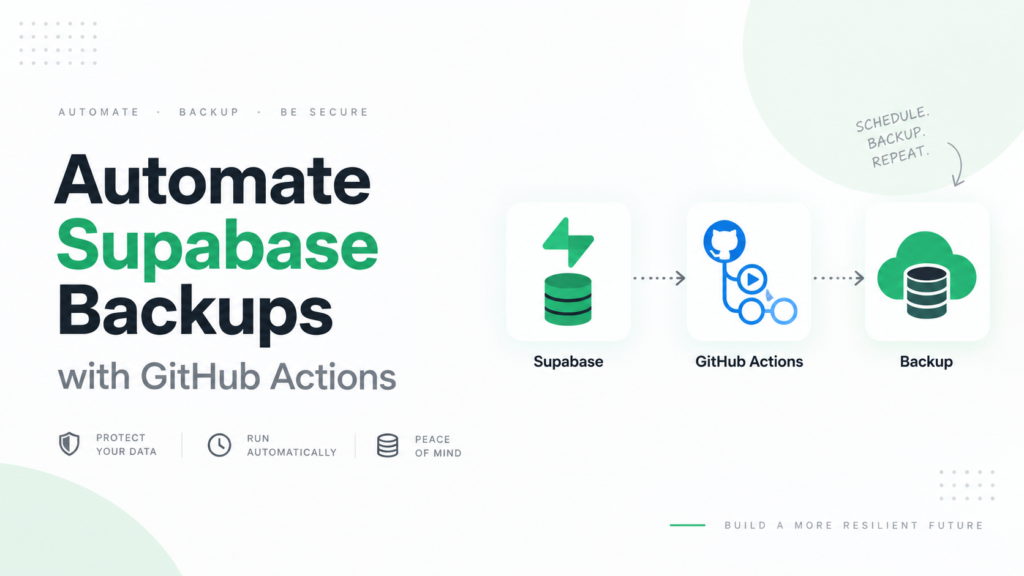
If you want an additional copy of your Supabase database outside Supabase, SupaBackup can automate logical database backups and send them directly to your connected Google Drive.
That creates a separate recovery layer:
Supabase
   ↓
SupaBackup
   ↓
Your Google Drive
The goal is not to replace Supabase’s native daily backups or PITR.
Instead, it gives you an independent database copy stored in storage you control.
This can be useful when you want:
- off-site database backups
- longer retention
- downloadable logical backups
- an additional recovery layer
- backups stored in your own Google Drive
Back up your Supabase database to Google Drive →
Which Option Should You Choose?
For a small or early-stage project, Supabase daily backups plus an independent backup may provide a sensible balance between cost and protection.
For a high-activity production application where losing several hours of database changes could cause significant damage, PITR becomes much more valuable.
And if you want protection outside the Supabase platform itself, add an independent backup regardless of which native recovery option you use.
The right strategy depends on three questions:
- How much data can you afford to lose?
- How quickly do you need to recover?
- Do you need a copy outside Supabase?
Answering those questions is usually more useful than simply asking whether PITR is “better” than daily backups.
Final Takeaway
Supabase daily backups provide straightforward recovery for paid projects and are often enough for smaller applications.
PITR provides significantly finer recovery control and is better suited to production systems where losing hours of database activity would be costly.
But neither should be confused with an independent off-site backup.
For stronger resilience, you can combine Supabase’s native recovery system with a separate logical backup stored outside the platform.