Your Supabase.
Always Backed Up.
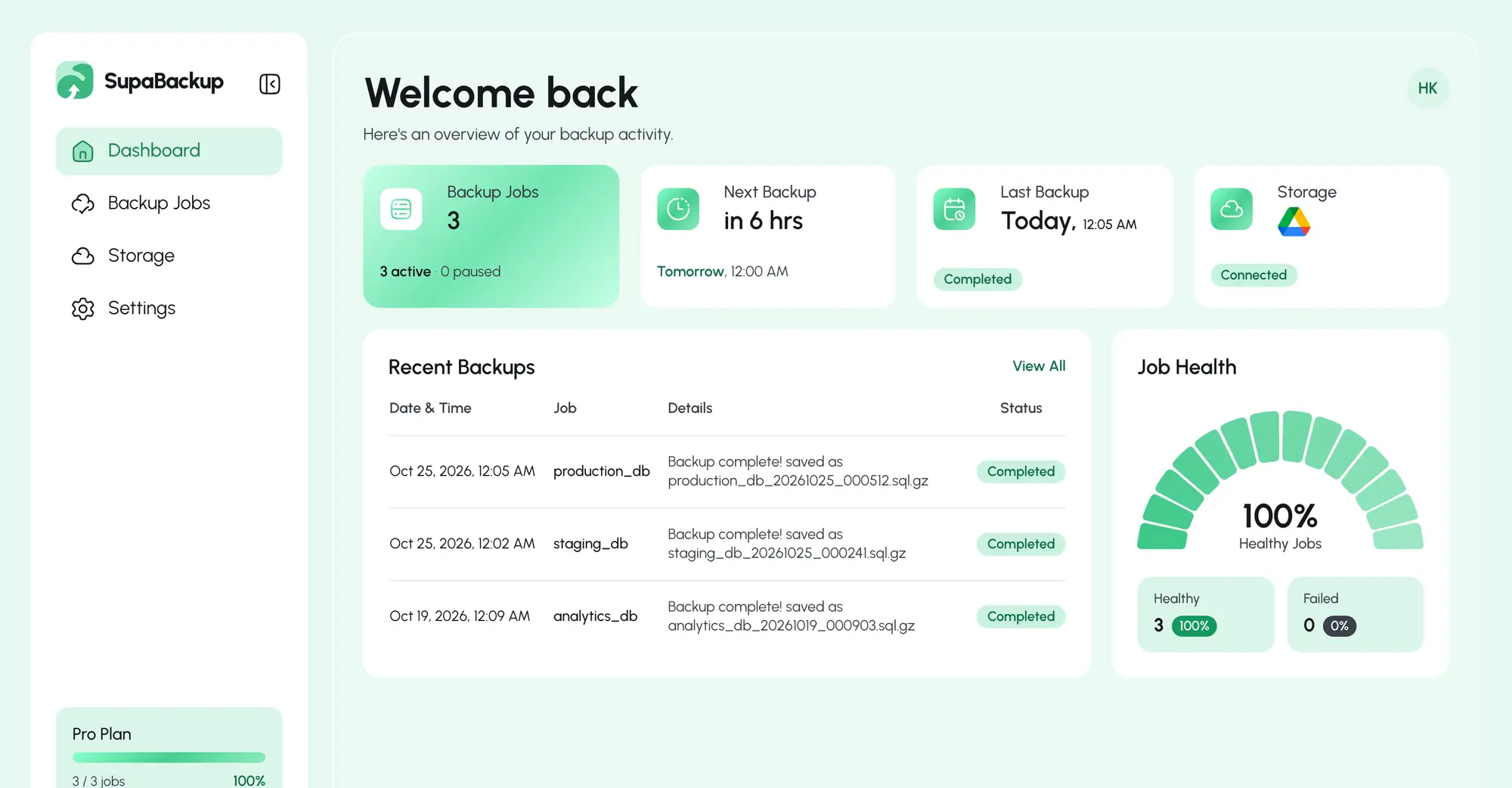
Automate your database backups and securely store them in Google Drive. Set it up once. SupaBackup handles the rest.
Built for teams building
with Supabase
Why
SupaBackup
SupaBackup is your perfect choice for automated backups.
Automated backups,
on your schedule
Backups stored in your
Google Drive
Simple setup,
reliable every time
How It Works
From database to backup. Automatically.
Connect once, set your schedule, and let SupaBackup run.
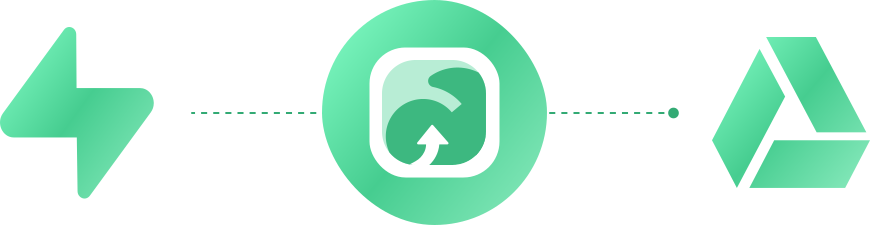
01. Connect Google Drive
Choose where backups go
Backups are saved to a supabackups folder in your Drive.
02. Add Your Database
Paste one connection string
Enter your Supabase connection string to connect your database.
03. Set Your Schedule
Choose when to back up
Pick daily, weekly or monthly backups, and how many to keep.
04. Backup Automatically
SupaBackup does the rest
SupaBackup creates and uploads your backup automatically.
Who Is SupaBackup For?
SupaBackup is designed for people who use Supabase and want a simple way to automate database backups.

Indie Hackers
Build your product while your database backups run automatically.

SaaS Founders
Protect your application data without managing backup infrastructure.

Small Teams
Keep your database backups simple, consistent and automated.
Your Data,
Protected.
Backups go straight to your own Google Drive, never to our servers.



Pricing & Plan
Start free, upgrade when you need more. Cancel anytime.
Pick your plan
Billed monthly
created
success rate
setup time
Frequently Asked Questions
Everything you need to know about backing up your Supabase database.
Contact UsWhat is SupaBackup?
SupaBackup automatically creates backups of your Supabase PostgreSQL database and uploads them to your connected Google Drive on a schedule.
How does it work?
Connect Google Drive, paste your Supabase connection string and pick a schedule. Your database goes straight from your Supabase project to your Google Drive. We never store your data on our servers.
Where are my backups stored?
In the Google Drive account you connect, inside a supabackups folder with one subfolder per backup job.
What Google permission is requested?
SupaBackup only gets access to files it creates in your Google Drive. It cannot read, edit, or delete your other Drive files. You can verify this yourself: Google shows this exact permission on the consent screen when you connect Drive.
Can I choose how often backups run?
Yes. The Free plan backs up weekly. Pro and Business can back up daily, weekly or monthly.
Can I see my previous backups?
Yes. Every backup is a file in your Google Drive, and your dashboard shows each job's latest result. On paid plans you can keep the latest 7, 14 or 30 backups, or keep everything.
What happens if a backup fails?
The job is paused so it isn't retried blindly, and the dashboard shows the error so you know what to fix. On paid plans (Pro and Business) you also get an email alert when a job fails.
Does this count against my Supabase egress limit?
Yes, a backup reads your whole database out of Supabase, which counts as egress on your own Supabase project. Usually a non-issue unless your database is large and backed up often.
Contact Us
Have a question or need help with SupaBackup?
Email us and we'll get back to you.
Get in Touch
Email our support team
Questions about backups, billing or your account? Send us an email and we'll help you out.
Ready to Stop Worrying
About Backups?
Connect Supabase and Google Drive once. SupaBackup handles the rest, automatically, on your schedule.
Get Started Free